Planning
Freight quotes and customer approval
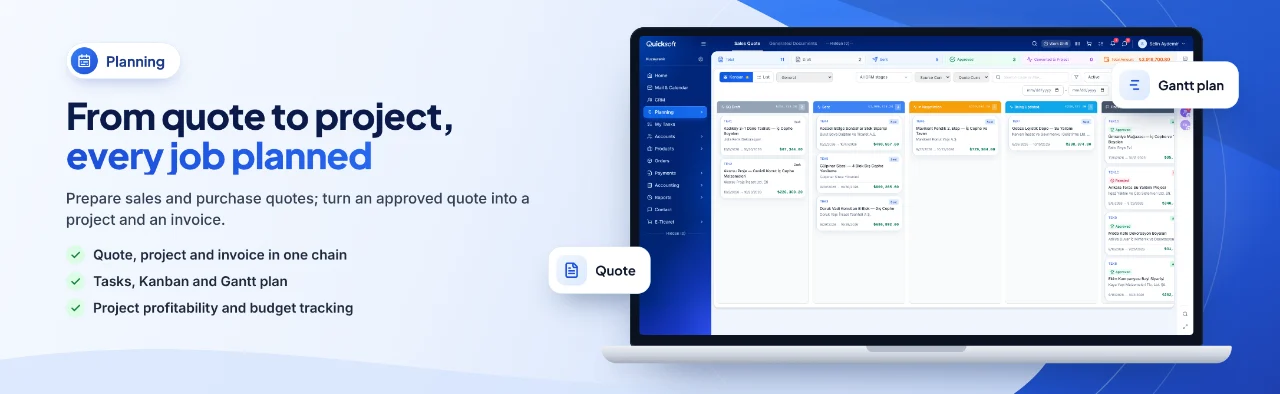
The quote goes out by email or WhatsApp with a PDF attached; the customer approves or rejects it from the approval link. Once the quote is approved, a 'Convert to Project' button appears on its row.
For businesses looking for transport company software, QuickSoft brings the customer request, the freight quote, the subcontractor cost, the invoice and the collection together in the same job file. Your vehicle tracking software stays in place; QuickSoft runs the commercial and financial side of the work.
With a single request for quotation, one transport need is sent to up to 20 suppliers; each of them quotes from their own private link without logging in.
An incoming e-invoice (e-Fatura) from a subcontractor or your fuel supplier becomes an itemized expense voucher that matches the invoice exactly.
E-invoices and e-archive invoices are sent through your licensed integrator; incoming invoices are pulled over the same connection.
Job profit is calculated from accounting vouchers; jobs not yet invoiced and pending subcontractor costs are included in the estimated profit.
When quotes live in separate freight quote software and subcontractors and invoices sit somewhere else, you lose sight of both job profit and the due dates of your receivables.
Problem: Quotes are scattered across email and phone calls; nobody can find which price was given to which customer.
In QuickSoft: Every quote sits on the customer's record with its stage. When the customer asks for changes, a new revision is opened and the previous price is not lost.
Problem: Subcontractor truck rates are collected by calling carriers one by one.
In QuickSoft: A request for quotation sends the transport need to the subcontractors you choose by email or WhatsApp; the rates that come back sit side by side in one table.
Problem: Even at month-end it is not clear whether a job made a profit.
In QuickSoft: Vouchers for subcontractor, fuel and toll costs are linked to the job's project; income, expenses and profit are calculated automatically from the vouchers.
Problem: Receivables on credit terms and payments due to subcontractors are tracked in separate spreadsheets.
In QuickSoft: Sales and purchase vouchers with due dates go into the Payment Plan automatically; collections and payments appear in one list with their due dates.
QuickSoft brings logistics accounting software and CRM together in one system. There is no separate logistics-specific module; the quote, project, purchasing and accounting modules are used to follow the flow of a transport job.
The quote goes out by email or WhatsApp with a PDF attached; the customer approves or rejects it from the approval link. Once the quote is approved, a 'Convert to Project' button appears on its row.
You send a saved request for quotation to the subcontractors you choose by email, WhatsApp or both. Each subcontractor quotes from their own private link without logging in; rates taken over the phone are entered by hand.
A contract customer or a large transport job is opened as a sales project. Work you hand to a subcontractor is collected in a purchase file linked to the project; costs recorded in that file are deducted from the main project's profit.
Shipments are kept as requests on the project; with a portal invitation, your customer follows the status of the requests from their own account and adds comments. Budget, subcontractor files, income, expenses and profit are not shown in the portal.
For international shipments, you choose EUR or USD as the invoice currency in the Sales Document. The voucher is recorded in Turkish lira at the Central Bank of the Republic of Türkiye (TCMB) buying rate on the document date, the invoice goes out in the document currency, and the currency and rate are stored on the voucher.
E-invoices from subcontractors and from fuel and maintenance suppliers are pulled from the integrator and converted into itemized expense vouchers; you link the voucher to the relevant project. If the invoice has a due date, an outgoing item is added to the Payment Plan.
On a credit sale the outstanding amount becomes an incoming item in the Payment Plan, and on a credit purchase an outgoing item; the amount paid is calculated from actual vouchers. The project filter shows a job's pending collections and payments.
Each main project's budget, income, expenses, profit and margin appear in one table. Costs from purchase files are added to the main project, and jobs not yet invoiced are included in the estimated profit.
Screens of the modules used most in this industry.
Each step uses the record created in the previous one; you never enter the same information twice.
A transport request received by phone or WhatsApp becomes a lead card in the CRM; from the WhatsApp conversation header you choose the channel and stage and save it.
The request for quotation goes out to subcontractors; the rates that come back sit side by side in the comparison table, with the cheapest one marked.
A sales quote is generated by adding your margin to the selected cost and is sent to the customer with an approval link.
The approved quote becomes a sales project; the purchase project opened for the winning subcontractor becomes this job's purchase file.
When the job is complete, an e-invoice or e-archive invoice is issued from the Sales Document; the portion on credit terms goes into the Payment Plan.
The bank transaction is matched to the relevant voucher; the job's income, expenses and profit are updated on the project card.
We go through the flow of your transport business together on real screens.
Import your customer and subcontractor lists with the template or with your own Excel file; matching records are not created a second time.
Connect your e-invoice integrator and your WhatsApp line, and define your cash and bank accounts as payment channels.
Set your quote and project stages, request statuses and the names your customer will see in the portal under Project/Quote Settings.
No. QuickSoft has no vehicle tracking, trip planning or e-waybill (e-İrsaliye) screen; you keep using your vehicle tracking software. QuickSoft handles the customer, the quote, the subcontractor cost, the invoice and the collection.
Yes. You import your customer account list with the template or with your own Excel file; with your own file, AI maps the columns and you check them in the preview. Rows whose tax number, email or mobile number match an existing record are skipped.
Yes. Once you connect your İşNet or Turkcell e-Şirket integrator, the 'Sales Invoice' button in the Sales Document sends an e-invoice or e-archive invoice; incoming e-invoices are pulled over the same connection.
QuickSoft has a mobile app; login and session rules are the same as on the web. When a task or activity is assigned to someone, an in-app and phone notification is sent.
Every user works according to their role and permissions; only people with the 'View Project Finance' permission see a project's budget, income, expenses and profit. Sessions close 12 hours after login, and a deleted record can be restored within 30 days.
It depends on the records you import and the integrations you connect. Setup and training are delivered through the one-time Setup and Training service added to your package; customization specific to your business is an hourly service. The (i) guide on the screens and the help center explain the steps.
In a live demo we take a freight request through the quote, subcontractor cost, invoice and collection steps on real screens, so you see step by step the flow you expect from your transportation software.