What QuickSoft offers as agency management software
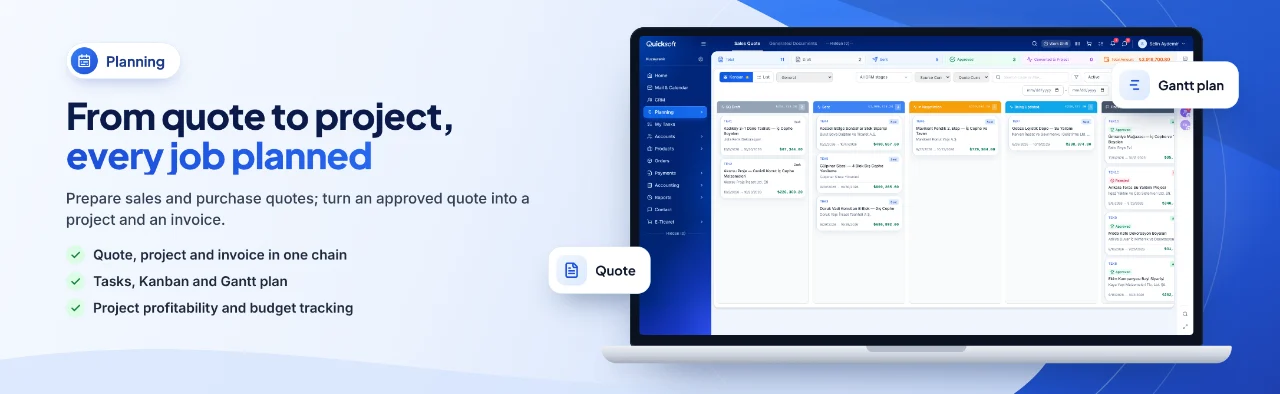
As advertising agency software, QuickSoft needs no separate module: campaigns and creative work run on its quote, project, task and CRM screens.
Grouped quotes and agency fee
You group lines under headings such as strategy, production or media and give each group a discount and an agency percentage. The agency fee becomes a separate line with its own VAT (KDV) rate; it is not typed in by hand.
Revisions and versions
When the client asks for changes, the quote is copied as a new version, and its code moves on as .1, .2 and so on. In the list the chain is a single row, and the other versions open with one click.
Client approval
The quote goes out by email or WhatsApp with the PDF attached. The client opens the link and approves or rejects it, leaving a note if they wish; the decision updates the quote's status and stage.
Profitability per job
Each job is tracked as a project; its income, expense and profit are calculated from the vouchers posted to the project. Lines not yet invoiced are included in estimated profit as pending amounts.
Production and media purchases
You collect the photographer, print shop or media purchases for a job in a purchase project and link it to the job. Expense vouchers posted to this file are deducted from the job's profit.
Team tasks
Tasks are tracked as a list or a kanban board and filtered by project, person and due date. Open tasks past their due date show in red, and a task can also be added to the team's calendar.
Leads from forms
Submissions from your website or your ad forms land in CRM as leads. If the same person applies again, no new record is created; a note is added to their existing card.
Meta ad report
The spend, reach, clicks and lead data of the Meta ad account you connect are shown broken down by campaign, ad set and ad. The number of clients that came into CRM from forms and the number won appear in the same report alongside their cost.